Internet Survivor Survivors Tools Hub
Two practical widgets for a tiny game: spend 30 levels on purpose, then tick the trophies that actually exist.
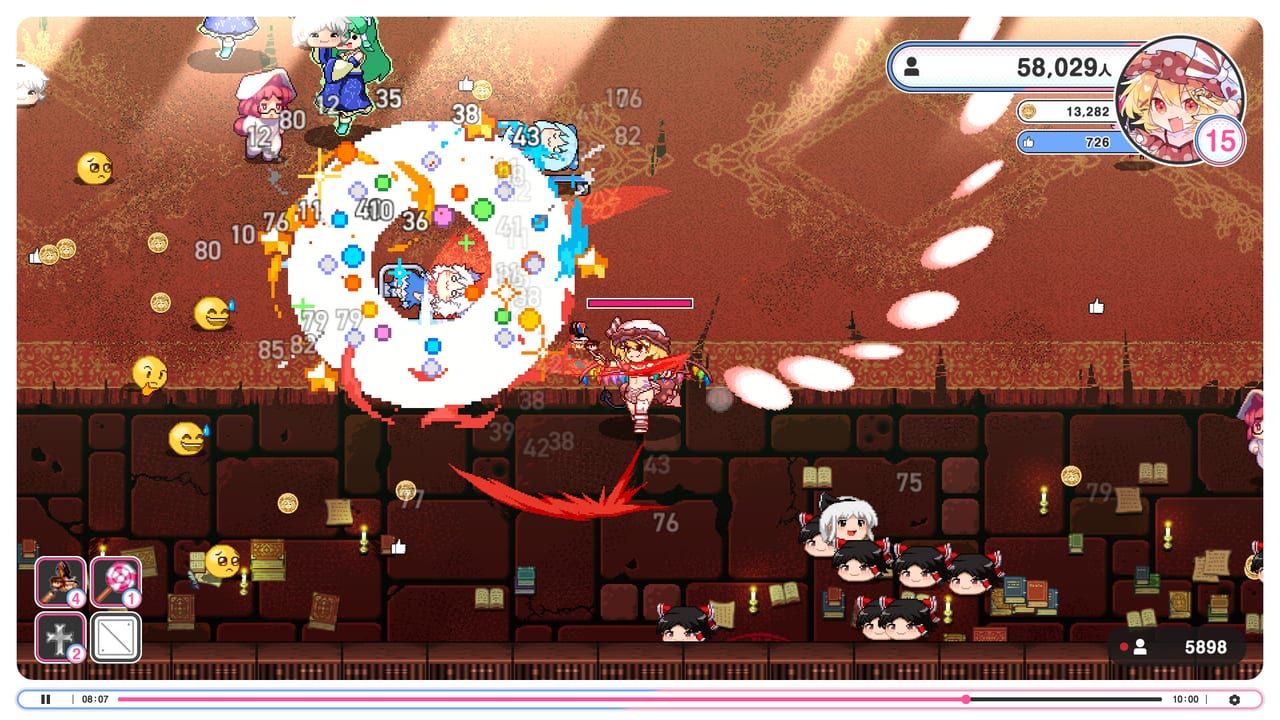
Internet Survivor Survivors does not need a damage calculator it will not feed. The pause menu hides numbers. What you can plan is the level cap and the trophy list. This hub points at those two jobs.
Open the build planner before a serious run. Open the achievement tracker when you are done learning and want named Steam highlights. Everything else on the wiki is still prose: Getting Started, weapon tier list, How to beat Remilia.
Why a planner exists
Four weapons at level five are twenty points. Nine passives exist in the pool. Rerolls eat run Coins. Players who skip the math arrive at stage five with a Christmas tree and a dead phone. The planner is a local checklist stored in your browser. It does not upload a loadout and it does not invent official names. Type the nicknames you actually see.
Use it with best builds and the passive list. If the remaining box hits zero before Remilia, you already know the wipe reason.
Why a trophy list exists
Steam shows 75 achievements. The store page highlights a handful of readable titles: Stream… Start!, Great Fairy on the Lake, Gatekeeper of the SDM, Charisma Princess Remilia!, plus hidden lines like True Internet Survivor. The tracker copies those public names so you can tick them without alt-tabbing through the overlay every two minutes.
It will not make the one-hundred-million-subscriber grind less silly. The review and launch notes already said that. Tick what you care about. Ignore the 999,999 hashtag completion unless you enjoy the joke.
What these tools are not
They are not scripts, trainers, or redeem-code boxes. This is a single-player Steam fangame. They are not live damage sims. They are not a second playable unlocker — Flandre Scarlet remains the only streamer.
If a widget ever disagrees with a patch, believe the game. File the new number on the next wiki pass. For now the useful constraints are still 30, 4, 5, and 9.
When you finish clicking checkboxes, go move. Controls and Viewer count are the tools that actually keep a broadcast alive. These pages just stop you from spending the cap like a gacha.
When Steam posts a numbered patch, check the Updates Hub before you rebuild a saved planner sheet. Comfort patches rarely change the 30-level math; content patches would. Until then, treat the planner and the achievement tracker as launch-week tools with post-1.02 crash and clarity notes attached through their child pages.
Frequently Asked Questions
Quick answers to the most common questions.
Do the tools need an account?
No. The planner and tracker store ticks in your browser only.
Will the planner give official weapon names?
No. Type the names you see in your language pack. The math is the feature.
Are these trainers or scripts?
No. They are checklists. The game stays a normal Steam install.